The ios and android app should be available in the app store soon. Currently they are not available in all countries, but this is being resolved. For iOS users there is the option to use the beta release, but then the TestFlight app (appStore) needs to be installed first on the device. Functionality is absolutely the same as the production release.
INSTALL APP (iOS/ANDROID)
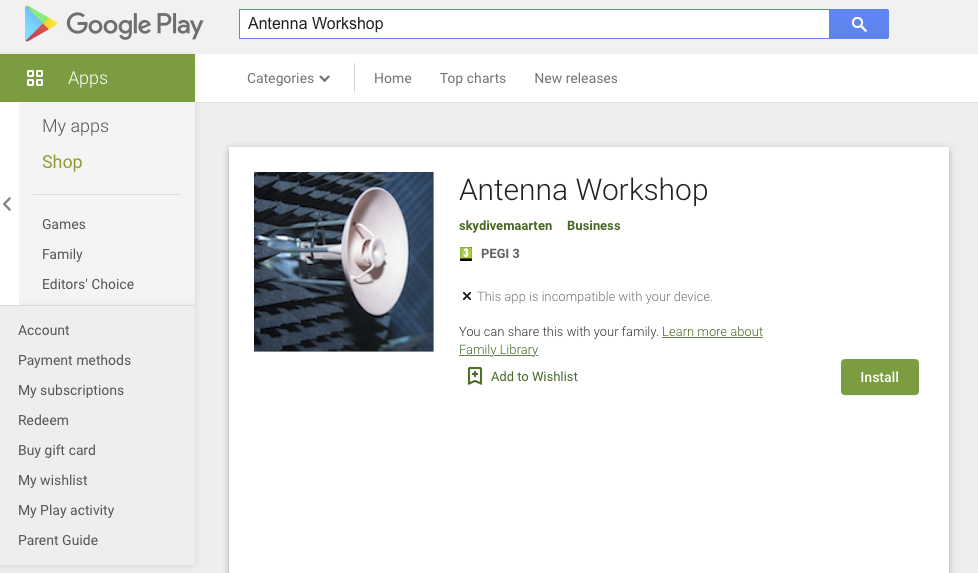
To install the app just go to the App Store or the Google Play Store and search for Antenna Workshop. In case the app is not visible on the Google Play Store use this link in a browser: https://play.google.com/store/apps/details?id=com.skydivemaarten.tabbar
CREATE ACCOUNT (with PIN)
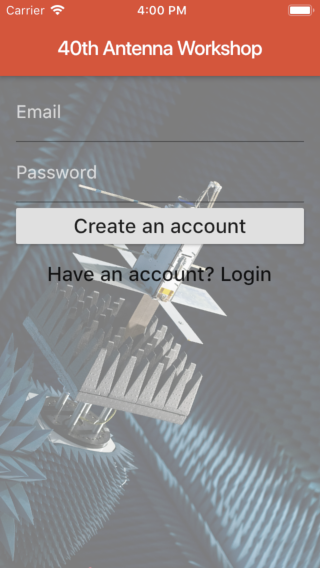
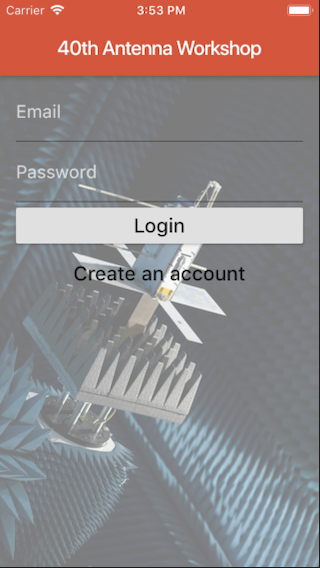
When the app is installed you get to the login window. For the first time you have to select 'Create an Account'. Fill in a valid email address because this will be used to reset the password when needed. Then put your password (at least 6 characters long) in but you have to start with the 4-digit PIN that was send to you by email. This PIN is only needed to create the account and later for the login only the real password is needed. For example a PIN of 9876 and a password of antenna would be 9876antenna.
WORKSHOP INFO
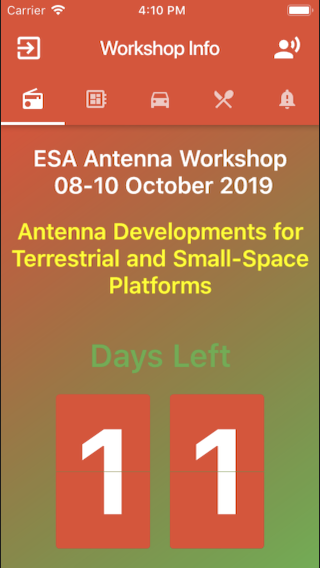
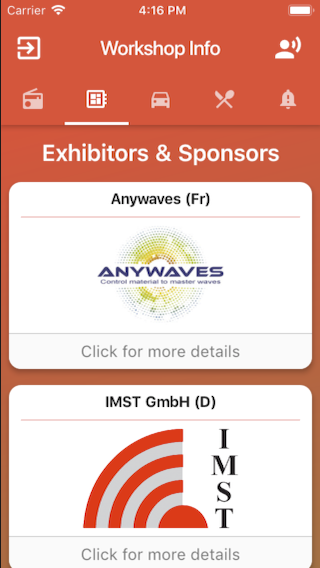
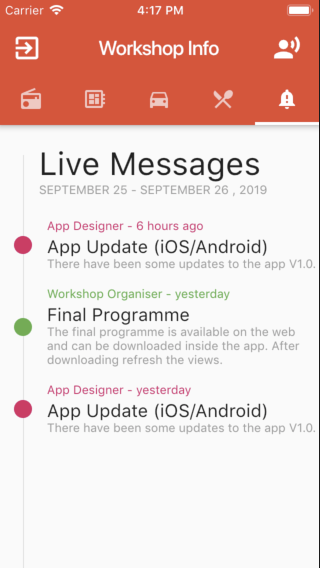
Once logged in the app the info screen is shown. Here are tabs for exhibitors, social diner and messages. The live messages are used to send updates and other important information like programme updates or changes to schedule. To reload the messages just pull down to refresh.
WORKSHOP PROGRAMME
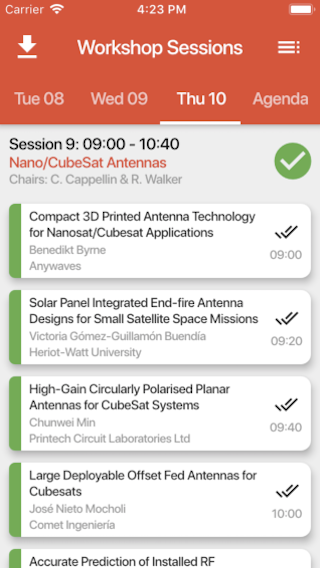
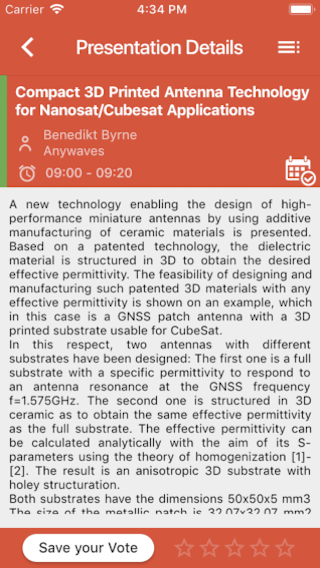
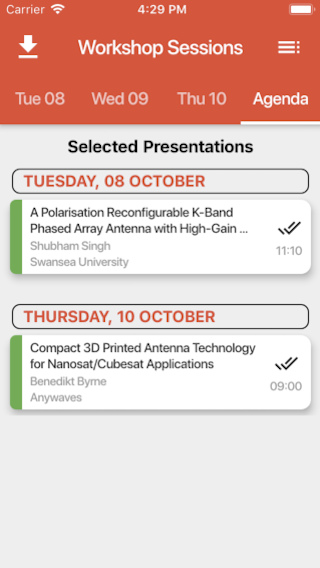
To see the workshop programme you have to click the speaker icon in the top. This opens a new window with the sessions for Tue/Wed and Thu. Colours (Green, Orange, Grey) are used to indicate the status. Green is finished, Orange is ongoing and Grey is still to come. To refresh the status, please pull down to refresh. In the tab 'Agenda' you can find the papers that you have added to your own calendar. To add a paper to your calendar just click on a paper and click the calendar icon. You can also remove the paper from the calendar is a similar way.